Data in Disguise: How Bold Detects Obfuscation at the Endpoint

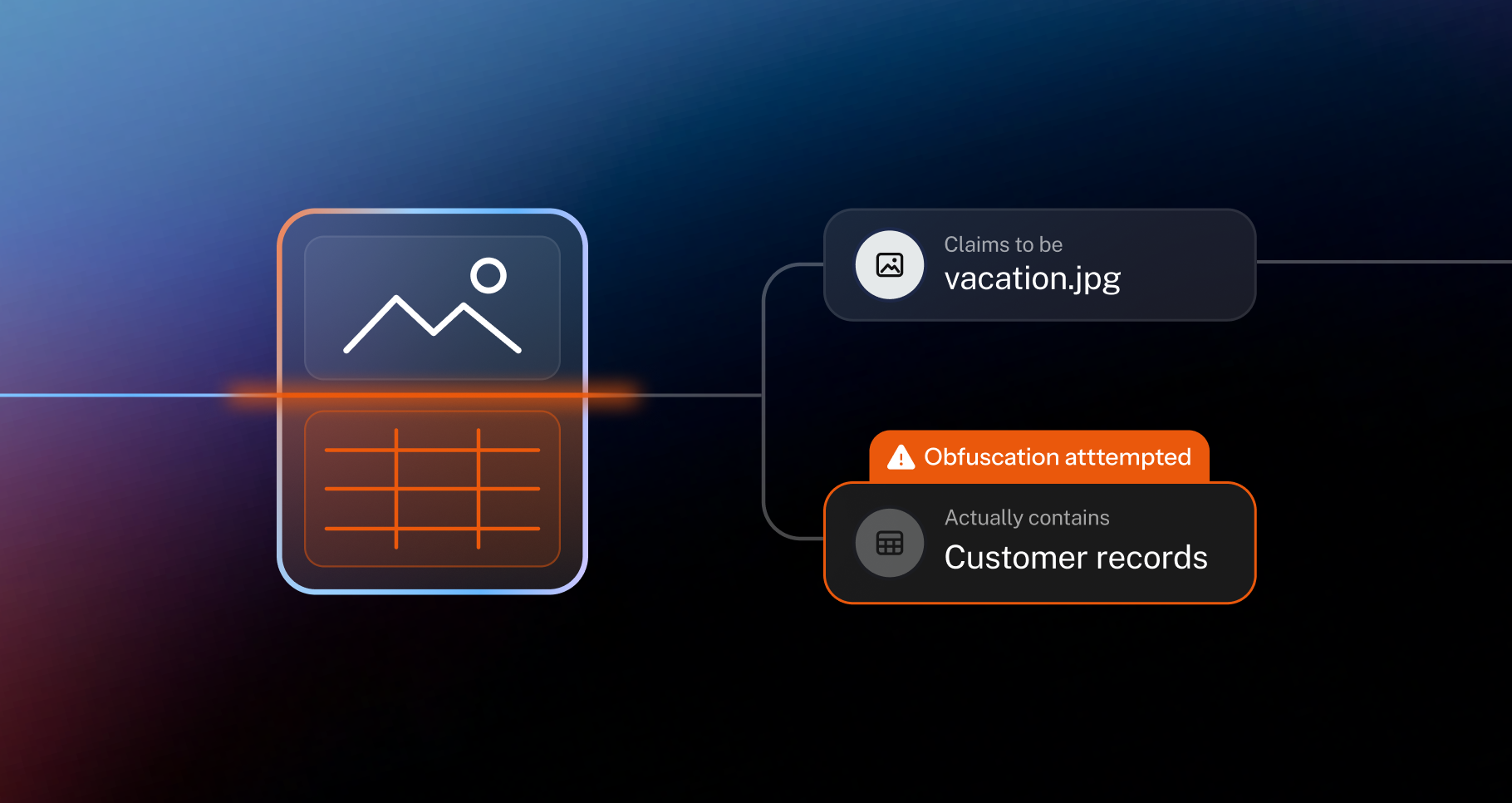
The hardest insider risk cases involve someone who already has access to sensitive data, plans to take it, and knows DLP is watching. That person won’t send a customer list straight to their personal email or storage. They’ll disguise it first, both in how they move it (which may be picked up by anomaly detection) and in what it looks like.
Disguising what data looks like on the surface is obfuscation, and it’s a much stronger signal of malicious intent than anomalous behavior alone. Together with data classification, lineage, and anomaly detection, it’s how Bold judges how risky a data movement really is.
Examples of obfuscation
Obfuscation involves changing how data looks so it slips past whatever is inspecting it. Some examples:
- Renamed file names: a file renamed to look like something harmless, like a customer spreadsheet saved as “team-lunch-menu.xlsx.”
- Renamed or removed file extensions: a file whose extension no longer matches what it is, like a .csv saved as a .jpg, or stripped of its extension entirely.
- Disguised screenshots: a capture of an internal system saved as a personal photo, like a forecast dashboard named “beach-day.png.”
- Encoding and concatenation: data transformed at the command line, like a document converted to Base64 or appended onto an image.
- Compression and encryption: files zipped or password-protected so their contents can’t be inspected, like an export archive with a password attached.
- Label downgrades: a sensitivity label changed to something harmless, like a confidential file relabeled as public.
Why DLP misses obfuscation
Traditionally, DLP inspects what’s leaving and looks for patterns in it: sensitive content like Social Security numbers, keywords in file names, file types, and file size. A 40MB .xlsx named customer_records will likely get flagged.
Obfuscation works by changing the form or appearance of the data so those DLP patterns stop matching. A rule built to find Social Security numbers won’t find the same numbers encoded into Base64 unless the tool decodes them first. Text inside a screenshot only gets inspected if the tool runs optical character recognition (OCR), and even then nothing about the image says it came from an internal system. A spreadsheet appended onto a photo is, by file type, a photo. Missing metadata or attributes like file extensions can also trip up traditional DLPs.
Sensitivity labels have the same weakness. A policy built on a label trusts whatever the label says, so relabeling a confidential file as public is enough to change how it’s treated. Network and cloud tools have a bigger gap. They only see data after it’s been disguised, never the disguise itself.
Bold’s data obfuscation
Bold’s obfuscation detection runs on the same foundation as everything else in Bold: small language models that read each file locally on the endpoint, and lineage that records every change as it happens. Because Bold already knows what a file is and where it came from before anyone tries to disguise it, it catches techniques that slip past pattern-based tools, from text inside a screenshot to data encoded at the command line. Then it weighs each one in context: who the user is, how sensitive the data is, and what else they’ve been doing.
Here’s how it works:
- The file is classified as soon as it appears. Bold’s small language models read the content on the device. For images, Bold reads the text inside the image too, so a screenshot of a revenue forecast is classified as financial data, whatever it’s called.
- Every change is recorded as it happens. Lineage logs where the file came from, like a Salesforce export or a capture from an internal app, and everything done to it afterward: renames, moves, archives, label changes, and command-line activity like Base64 encoding or concatenation. Each change is tied to the user and the application that made it.
- When the file moves, Bold checks its story. It compares what the file contains with its history and with what it claims to be: its name, its extension against its real file type, and its sensitivity label. An encrypted archive is judged by what went into it before it was locked.
- A mismatch becomes a signal of intent. A spreadsheet named .jpg, a dashboard screenshot named like a vacation photo, a confidential file relabeled as public: each raises the risk of the transfer. Bold weighs it alongside everything else it knows about the user and the data, and the incident says exactly which mismatch it found.
The result
- Disguised data always stays visible: a renamed, encoded, or archived file is still recognized as what it really is.
- A clearer signal of intent: hiding data rarely happens by accident, so it raises the risk of everything around it, boosting the confidence behind enforcement decisions.
- Caught where it starts: the disguise is detected on the device, before the data even moves, which is a signal all on its own.
Read the full Intent Engine launch post and get in touch to see it live.