Bold Anomaly Detection: Dynamic Behavioral Baselines Across Users, Departments, and the Org


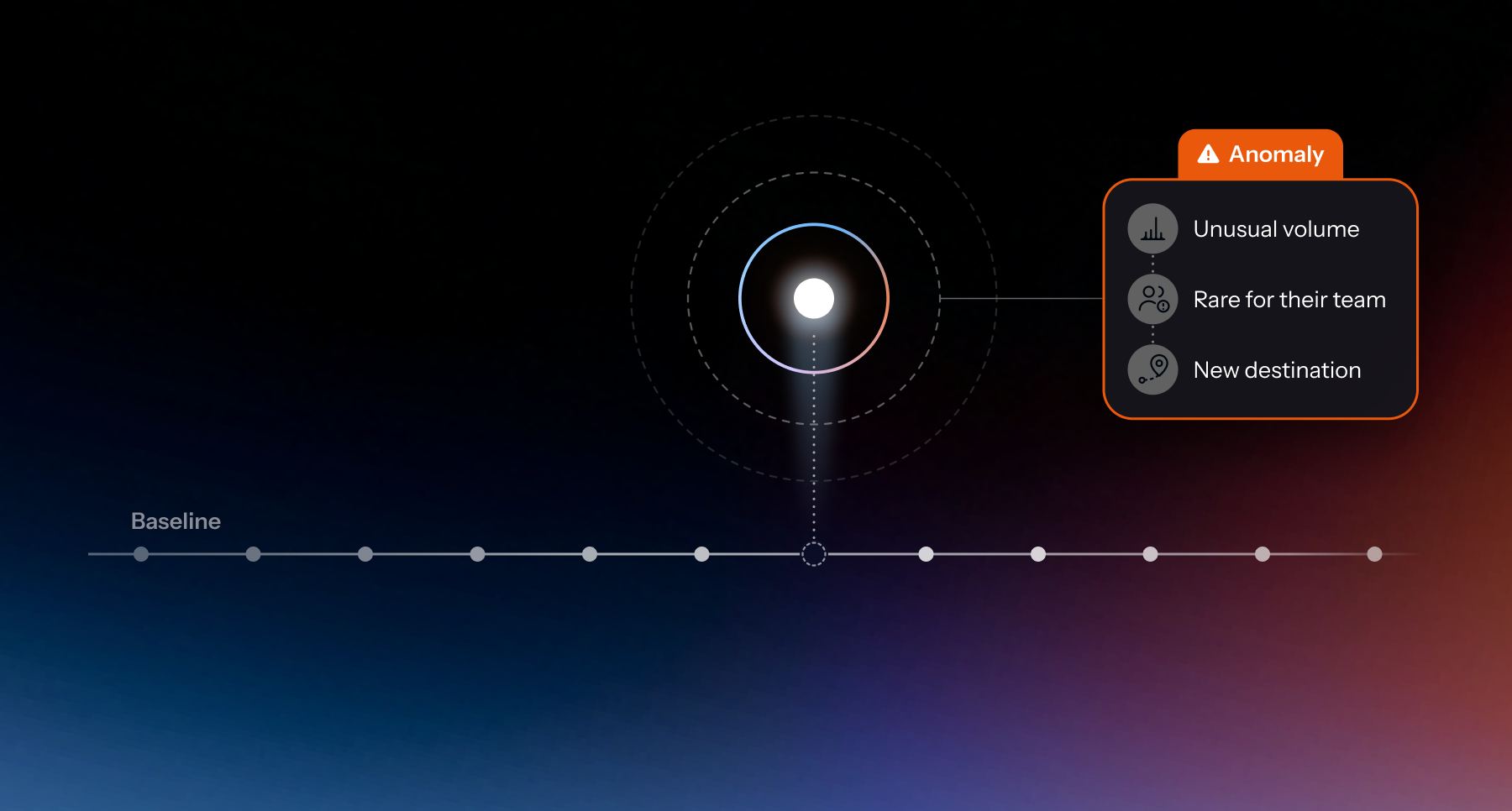
TL;DR: Bold detects anomalous behavior by comparing each user against their own baseline, their department’s, and the whole organization’s, instead of relying on fixed volume thresholds and rules like most DLPs.
If you’re wondering why DLP needs anomaly detection at all, it comes down to one word: intent.
At Bold, we believe the only way to prevent data loss is with accuracy and speed. For such a simple word, accuracy means a lot here.
Follow this “if you give a mouse a cookie” logic for a moment. Accuracy comes down to knowing what the data is (data classification) and the intent behind what’s happening to it. Intent comes down to knowing who the user is and whether they meant to put that data at risk. Determining intent is easier said than done, and one of the signals that helps is whether the behavior is normal.
See, the thing is, people are pretty predictable. So when someone steps outside their usual pattern, it’s a reason to look closer. It isn’t always a sign of bad intent, but it’s often a valuable signal.
Examples of anomalies
Anomalies sound hard to define, but in the world of DLP, most fall into a handful of patterns:
- A new destination or app: data goes somewhere the user hasn’t sent it in the past 90 days, or through an application they’ve never used.
- Unusual volume: far more than the user’s normal, like a finance analyst exporting dozens of Salesforce reports in a day.
- Unusual timing: activity outside someone’s normal working pattern, like a bulk export at 3am.
- Unusual data for the role: a marketing coordinator moving database backups, when nothing in their work involves them.
- An abnormal pairing: a familiar source headed somewhere it never goes, like Salesforce data going to Pastebin instead of email.
- A slow drip: files leaving a few at a time over several days, never enough to cross a volume limit.
- Abnormal email activity: an email sent to an unknown recipient or new Gmail address versus a frequently contacted external partner.
Knowing what is an anomaly is just as important as knowing what isn’t. A designer uploading large files to Canva, an operations manager uploading tons of receipts to Google Drive, or a developer pushing code to GitHub are normal for their roles and shouldn’t trigger an anomalous signal.
Why DLP misses anomalies
Traditionally, DLP evaluates each transfer on its own, against a rule. It has no memory of what a user did last week, what their teammates do, or whether a destination is new for them. So the only way it can define unusual is with a fixed volume threshold: move more than a set number of files, or a transfer larger than a set size, and an incident opens.
That number is the same for everyone, and it fails in both directions. Set it too low, and it fires on designers, developers, and anyone else whose job involves moving a lot of data. Set it too high, and it misses everything that matters but stays small: a first-time destination, a few files a day, data that has nothing to do with someone’s role. And anyone who knows where the limit sits can simply stay under it.
AI agents make it harder still. An agent working on someone’s behalf can read and move hundreds of files in the time a person opens one, as part of a perfectly legitimate task. A volume threshold either fires on every agent session or gets raised high enough to miss everything else.
How it works with Bold
Bold rebuilt anomaly detection from the ground up, combining telemetry from the endpoint, statistical methods, and AI.
- The endpoint captures every data movement. Bold’s agent records each action on the device, along with what the data is, from on-device classification, and where it came from and what was done to it, from lineage.
- Bold builds baselines from every angle. It learns how much data normally comes from each source, how much goes to each destination, and what kind of data moves between them, like customer records going from Salesforce to email. Statistical models baseline each angle against the user’s own history, their department, and the whole company, and flag activity that falls outside them.
- AI sessions get the same scrutiny. When an employee works with an AI agent, Bold compares what happens in the session with that person’s role, so an agent doing something unusual for its user stands out. It also flags risky agent actions on their own, like an MCP call or a command that sends data to a risky destination.
- AI investigators review what stands out. When activity falls outside those baselines, Bold’s AI investigators pick it up. They analyze the signals from the endpoint, enrich them with additional context, and correlate them against the baselines, building a precise picture of what happened and how risky it is. Being unusual never makes a harmless transfer an incident, and being common never makes a risky one safe.
- Analysts get incidents that are already investigated. Each one arrives with the data classification, the lineage, how the activity compares with the user’s baselines, and the reasoning behind it.
The result
- Fewer false positives: routine work for the role stays quiet, however large the volume.
- Fewer false negatives: small, new, or slow movement gets caught, even when it never crosses a fixed limit.
- Incidents that explain themselves: each one says what was unusual and compared to whom.
Anomaly detection is just one piece of how we analyze user behavior and intent. Our Intent Engine brings together anomaly detection, data lineage, obfuscation detection, and more.